

Best overall for signature-focused freelance work: Docusign. Best for preparing and signing PDFs: Zendocs. Best for proposal-led selling: PandaDoc. This 2026 guide compares five options by the work you need to complete, from editing a client agreement to collecting signatures and keeping the final record.
- Docusign is the best e-signature software for freelancers whose main requirement is collecting client signatures.
- Zendocs suits freelancers who need PDF editing, conversion, signing, and document management together.
- Adobe Acrobat suits PDF-centered work; Dropbox Sign suits straightforward signature requests.
- PandaDoc suits proposal-led selling; test the complete client workflow before choosing any subscription.
Why this matters
Signing your own PDF and sending a contract for someone else to sign are different jobs. The first needs a way to apply your signature; the second also needs a usable recipient experience and a record of completion.
For freelancers, the decision starts before the signature field. If clients send unfinished documents, editing and conversion matter. If your contracts are already final, recipient routing and signature records deserve more attention than another PDF toolbar.
Choose around the document’s hardest step, not the longest feature list. A proposal-heavy consultant, a designer receiving client contracts, and a subcontractor signing supplied forms do not need identical software.
What makes the best e-signature software for freelancers?
Use these six criteria to evaluate a 2026 shortlist. Treat them as a checklist, not as features every product automatically includes.
- Document preparation: Can you correct the agreement, handle the original file format, and produce a readable signing copy?
- Recipient experience: Can your client find the required fields, understand the request, and finish on the device they actually use?
- Signature evidence: Can you retain the completed agreement and the available record of the signing process?
- Repeat work: Can you reuse the structure of a recurring agreement without carrying over the previous client’s details?
- File ownership: Can you download a usable final document and organize it independently of the signing service?
- Workflow fit: Does the tool solve your actual bottleneck—preparation, signature collection, or proposals—without adding unnecessary steps?
Security belongs inside this evaluation, not underneath a promotional badge. Review the provider’s current security documentation, account controls, and handling of uploaded documents before submitting confidential client material.
E-signature software at a glance: 2026 shortlist
The order below starts with document preparation, then moves through dedicated signing, PDF-centered work, straightforward requests, and proposals. Each option owns a different use case rather than competing for an identical recommendation.
| Software | Best for | Standout capability | Key limitation |
|---|---|---|---|
| Zendocs | Preparing and signing documents online | Conversion, editing, signing, and document management in a web-based tool | Broader than necessary when you only need to sign an already-finished file |
| Docusign | Signature-focused client agreements | Dedicated electronic-signature workflows and signing records | Document authoring is a separate consideration from signature collection |
| Adobe Acrobat | Freelancers working extensively with PDFs | PDF tools alongside electronic-signature capabilities | Product and subscription selection require attention |
| Dropbox Sign | Straightforward signature requests | Focused electronic-signature requests and reusable templates | Not a replacement for a full document-authoring workflow |
| PandaDoc | Proposals that lead into signatures | Proposal creation and electronic signatures | More workflow than you need for occasional supplied PDFs |
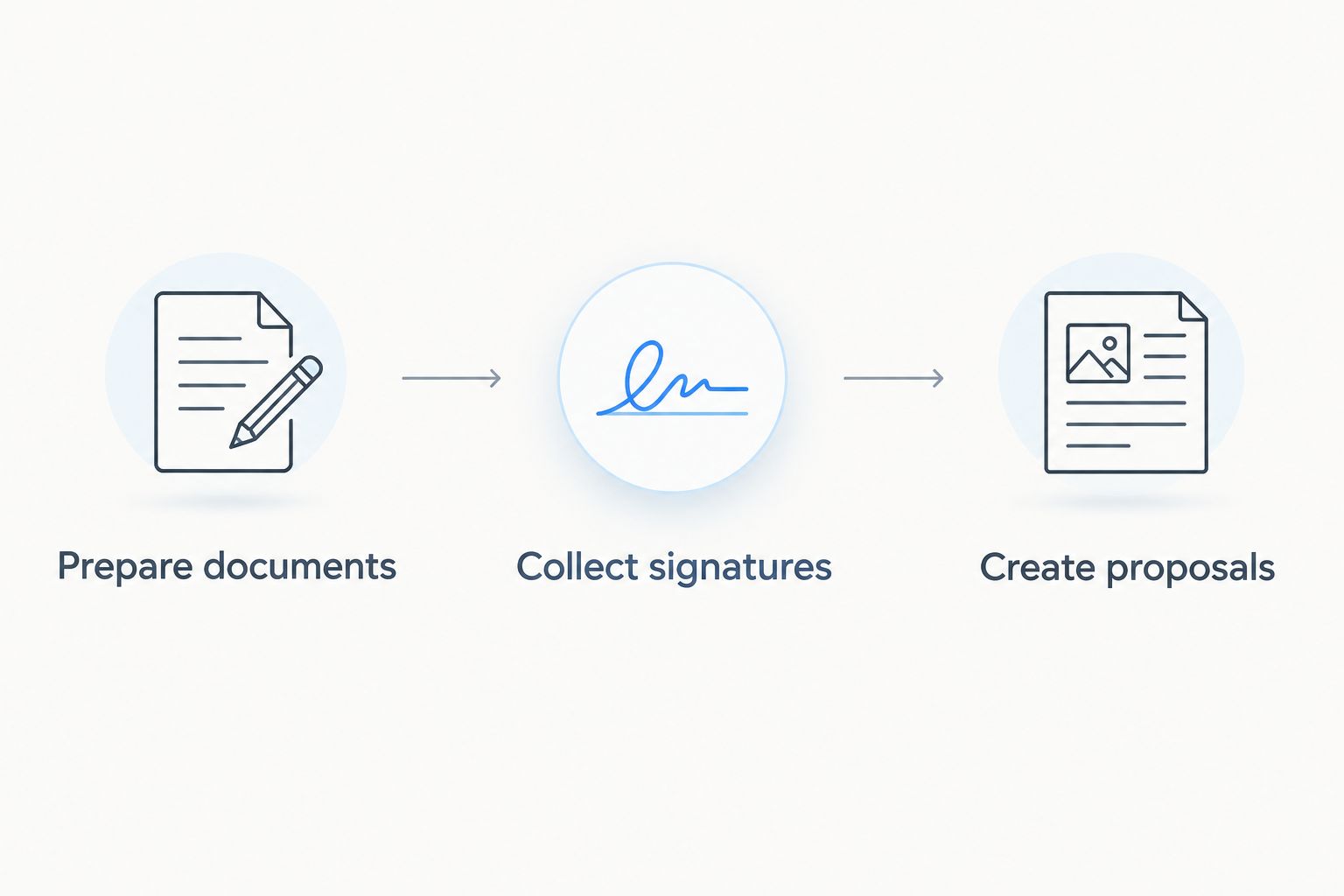
There is no universal winner across all these jobs. The useful distinction is whether you need to prepare documents, collect signatures, or create proposals before the agreement reaches a client.
1. Zendocs: best e-signature software for document preparation
This web-based subscription tool handles converting, editing, signing, and managing PDF and other document formats, including Word, Excel, PowerPoint, and images. That makes it relevant when a freelance agreement needs preparation rather than just a signature.
Imagine receiving a Word agreement with outdated scope language, followed by a PDF attachment that also needs attention. The document-processing stage is the reason to consider this option; do not confuse that with a recommendation for every possible client-signing workflow.
Zendocs pros:
- Covers document conversion as well as signing.
- Includes editing for work that arrives unfinished.
- Provides web-based document processing.
- Addresses document management alongside preparation.
Zendocs cons:
- Web-based processing is not an offline-first workflow.
- A broader document tool is unnecessary if your only task is signing finished agreements.
Best for: Freelancers who regularly prepare documents before signing them.
Verdict: Buy for combined document preparation and signing; choose a dedicated signing platform when signature collection is the whole job.
2. Docusign: best e-signature software for signature collection
Docusign is an electronic-signature platform for sending agreements to recipients and collecting signatures. Its signing workflow and associated records make it a strong default when your contract is already written and the remaining work is getting it executed.
For a freelancer, the practical question is how the client receives, reviews, and completes the agreement. Evaluate that experience alongside your own sender controls, rather than choosing only from the appearance of the signature field.
Docusign pros:
- Dedicated workflows for collecting electronic signatures.
- Recipient fields help structure completion.
- Signing records support agreement recordkeeping.
Docusign cons:
- Collecting signatures does not replace drafting or substantively editing the agreement.
- Advanced workflow requirements require careful review of the selected subscription.
Best for: Freelancers whose finished contracts need a dedicated client-signing process.
Verdict: Buy as the default for signature-focused work; skip it as a substitute for document preparation.
3. Adobe Acrobat: best e-signature software for PDF-heavy work
Adobe Acrobat combines PDF creation and editing tools with electronic-signature capabilities. It belongs on your shortlist when contracts are part of a wider PDF workload that includes reviewing, correcting, and organizing documents.
The distinction between signing a document yourself and requesting signatures still matters. Adobe offers multiple products and subscription configurations, so identify the exact workflow you need before choosing the product configuration.
Adobe Acrobat pros:
- Combines established PDF tools with signing capabilities.
- Suits work that needs PDF editing before signature.
- Keeps PDF preparation central to the workflow.
Adobe Acrobat cons:
- The product range adds a selection step before you start.
- A PDF-centered workspace is more than necessary for simple signature requests alone.
Best for: Freelancers who spend substantial working time preparing and reviewing PDFs.
Verdict: Buy for a broader PDF workflow; skip the broader package if signing is your only requirement.
4. Dropbox Sign: best e-signature software for simple requests
Dropbox Sign focuses on requesting electronic signatures and completing agreements online. Reusable templates make it relevant when your freelance work repeatedly uses the same agreement structure.
The appeal is the signing task itself, not a full proposal-writing or document-conversion environment. Test a representative contract from upload through recipient completion before deciding whether the workflow is sufficiently direct for your clients.
Dropbox Sign pros:
- Focuses on electronic-signature requests.
- Supports reusable templates for repeat agreements.
- Includes signing records for completed requests.
Dropbox Sign cons:
- It does not replace full document authoring.
- Template reuse still requires checking client-specific details before sending.
Best for: Freelancers sending straightforward, repeatable agreements that are already prepared.
Verdict: Buy for focused signature requests; skip it when proposal creation or extensive document preparation is the main task.
5. PandaDoc: best e-signature software for proposal-led selling
PandaDoc combines proposal and document creation with electronic signatures. It fits freelance work where the proposal, scope, and approval process belong together rather than existing as separate files and messages.
That use case differs from receiving a client’s finished PDF and signing it. Choose PandaDoc because you want to build and send the commercial document, not simply because an agreement needs a signature somewhere on the last page.
PandaDoc pros:
- Combines proposals and electronic signatures.
- Supports reusable document templates.
- Connects document preparation with client approval.
PandaDoc cons:
- Proposal-building features add unnecessary work for occasional supplied forms.
- Reusable proposals still need careful scope and client-detail checks.
Best for: Freelancers whose sales process starts with a structured proposal.
Verdict: Buy for proposal-led selling; skip it for signature-only paperwork.
How we ranked this 2026 shortlist
The recommendations follow the six criteria above: preparation, recipient experience, signature evidence, repeat work, file ownership, and workflow fit. The ranking separates use cases rather than presenting an unsupported speed or reliability leaderboard.
Document-processing tools earn their place when preparation is part of the job. Dedicated signing platforms earn theirs when recipient completion is the priority. Proposal software belongs when creating the offer is inseparable from getting approval.
No recommendation here depends on a claimed completion-rate improvement or a promised time saving. Your own contract and client experience are the deciding evidence.
Test the workflow before choosing
Use 3 test documents: a clean contract, a revision-heavy agreement, and a document supplied by a client. These are evaluation scenarios, not product limits or performance benchmarks.
Run a case with 2 signers if your normal agreement needs both your signature and the client’s. Finish by downloading 1 completed PDF and checking it outside the signing service.
Prepare the document
Check the names, scope, deliverables, acceptance language, and attachment references before placing signature fields. A polished signing experience does not repair an ambiguous agreement.
If the source document needs conversion, inspect the output before sending it. Pay particular attention to tables, page breaks, and signature blocks.
Complete the client journey
Use a separate recipient address and open the request on the kind of device your clients use. Check the instructions, required fields, and final confirmation rather than stopping at the sender preview.
If your workflow includes another approver, test that situation explicitly. A successful single-recipient demonstration does not establish that your full approval process works.
Keep the final record
Download the completed agreement and any available completion evidence. Confirm that the saved file opens and that you can identify the client and project without reopening the service.
For legal context, read whether an electronic signature is legally binding. Contract type, applicable law, consent, and evidence matter; software selection alone does not settle enforceability.
Which e-signature software should you choose in 2026?
Choose Docusign if you want a default for collecting signatures on finished freelance agreements. The recommendation changes when another task dominates: Adobe Acrobat for PDF-heavy work, Dropbox Sign for straightforward repeat requests, or PandaDoc for proposals.
Zendocs is best for freelancers who need document conversion, editing, signing, and management in one web-based tool. That is a document-workflow recommendation, not a claim that every signing platform has the same recipient controls.
Before subscribing, write down the task that currently causes rework. Choose the product that handles that task, then verify the complete agreement journey rather than buying around a feature you rarely use.
FAQ
What's the best e-signature software for freelancers in 2026?
Docusign is the default recommendation for freelancers focused on collecting signatures on finished contracts. Choose according to the wider job when PDF editing, document conversion, or proposal creation is the main requirement.
Is signing a PDF the same as requesting a client signature?
No. Signing a PDF applies your own signature, while requesting a client signature involves sending the document to another person and managing their completion. Test the exact workflow you need.
Is Adobe Acrobat better than Docusign for freelancers?
Adobe Acrobat is the stronger fit when your main workload involves preparing and editing PDFs. Docusign is the default here when the main task is collecting signatures on finished agreements.
Should I choose Dropbox Sign or PandaDoc?
Choose Dropbox Sign for straightforward signature requests and PandaDoc for proposal-led selling. The distinction is whether you primarily send an existing agreement or create the commercial document before requesting approval.
Can a freelancer use electronic signatures for client contracts?
Electronic signatures can be used for many client contracts, subject to applicable law and the document type. Confirm the requirements for your agreement and retain the completed document and available signing evidence.
Do I need an audit trail for a freelance contract?
Retaining available signing evidence is a sound recordkeeping practice. Review what the service records, what you can download, and how that evidence relates to the agreement's legal requirements.
How do I compare e-signature subscriptions without overbuying?
Compare your required workflow with the provider's current subscription details. Check recipient handling, reusable documents, completion records, and exports rather than choosing the largest feature list.
One last thing
A signature image and a record of signing are different things. Before you make your 2026 choice, ask yourself what you could produce if a client disputed which version they accepted.
Keep the executed agreement, its relevant attachments, and available completion evidence together. The strongest final check is practical: can you find and explain the agreement without logging back into the signing tool?


