

FormsPal is free, and for a single notarized form or basic PDF edit, free is hard to beat. The ceiling shows up fast once you need to convert that PDF to Word, build a document library, or handle the same form every month instead of once. The best FormsPal alternative in 2026 is Zendocs if you process documents regularly and need conversion plus e-signature in one subscription; PandaDoc if your real need is sales contracts, not legal forms.
- Zendocs is the strongest FormsPal alternative in 2026 for anyone converting, editing and signing documents on a recurring basis.
- FormsPal stays the right call for a single free legal form or one-off PDF edit with no subscription.
- PDFfiller and DocuSign add enterprise features FormsPal never had, at the cost of added complexity.
- Rocket Lawyer and PandaDoc solve narrower problems: legal drafting with attorney access, and sales proposals.
Why this matters
FormsPal built its reputation on free, no-signup tools: PDF to Word, image to PDF, basic e-signature, and a library of legal form templates for things like bills of sale, power of attorney, and divorce paperwork. That's the real strength, and it's genuine — for someone who needs one document handled once, FormsPal gets it done without a credit card.
The gap opens once a document becomes a recurring task. FormsPal has no account-based workspace for repeat use, no bulk conversion across file types beyond PDF, and no document management layer for a small team tracking contracts, tax forms, or client paperwork month over month. If that's your situation in 2026, you need a tool built for ongoing use, not a one-time free utility.
Zendocs is built around that gap: convert, edit, and sign PDF, Word, Excel, PowerPoint, and image files from one subscription, instead of hunting a different free site for every format.
FormsPal alternatives at a glance
| Tool | Best For | Standout Feature | How It Differs From FormsPal |
|---|---|---|---|
| FormsPal | One-off free legal forms | No-signup PDF tools | Baseline: free, but no account, no team features |
| Zendocs | Recurring document conversion, editing, signing | One subscription across PDF, Word, Excel, PowerPoint, images | Built for repeat use, not single-session forms |
| PDFfiller | Enterprise form workflows | Large pre-built form library | Adds team controls FormsPal never offered |
| DocuSign | E-signature compliance | Certified audit trail | Signature-focused only, no format conversion |
| Rocket Lawyer | Legal drafting with attorney support | Attorney network access | Legal-advice layer FormsPal doesn't provide |
| PandaDoc | Sales proposals and contracts | Proposal and payment workflow | Sales-document focus, not general PDF conversion |
1. Zendocs: best for ongoing document conversion, editing, and signing
Zendocs is a subscription web tool built for people and small businesses who touch documents regularly, not once a year. It covers PDF conversion, editing, and e-signature in one workspace, and extends past PDF into Word, Excel, PowerPoint, and image formats — the exact gap FormsPal leaves open.
Where Zendocs shines:
- Converts between PDF and Word, Excel, PowerPoint, and image formats without switching tools
- Edits and signs documents in the same workspace instead of bouncing between separate free sites
- Fits recurring paperwork: contracts, W-9s, bills of sale, and the same form type month after month
Where Zendocs falls short:
- It's a subscription, so a single occasional user doesn't get FormsPal's zero-cost model
- No attorney-review layer for legal documents — that's Rocket Lawyer's territory, not Zendocs's
Best for: individuals and small teams converting, editing, and signing documents on a recurring basis in 2026.
| Dimension | Zendocs | FormsPal |
|---|---|---|
| File format range | PDF, Word, Excel, PowerPoint, images | PDF-focused |
| Editing depth | Full edit + convert | Basic tools |
| E-signature | Yes | Yes, basic |
| Built for repeat use | Yes | No — one-off, free |
For form-specific workflows like tax paperwork or employment forms, the breakdown in best PDF form filler software covers how Zendocs stacks up against dedicated form tools.
Try Zendocs for recurring document work
Convert, edit, and sign PDF, Word, Excel, and PowerPoint files from one account.
2. PDFfiller: best for enterprise form workflows
PDFfiller targets businesses with a high volume of recurring forms and a need for team-level permissions. It carries a large pre-built form library, which FormsPal doesn't match at scale.
Where PDFfiller shines: large template library, team workflows, bulk document handling. Where PDFfiller falls short: more complexity than a casual user needs, and the interface leans corporate rather than simple. Best for: teams filling the same forms repeatedly across multiple employees. For a full side-by-side, see PDFfiller alternatives.
3. DocuSign: best for e-signature compliance
DocuSign built its name on certified, audit-trail e-signatures — the kind that holds up for regulated industries. FormsPal's e-signature feature is basic by comparison, built for simple one-off agreements rather than compliance-heavy workflows.
Where DocuSign shines: certified audit trail, enterprise-grade signature compliance. Where DocuSign falls short: no PDF-to-Word or PDF-to-Excel conversion — it's signature software, not a document editor. Best for: businesses that need certified e-signatures more than document editing.
4. Rocket Lawyer: best for legal drafting with attorney support
Rocket Lawyer sits closest to FormsPal's original use case — legal document templates — but adds access to attorneys for review and questions, which FormsPal never offered.
Where Rocket Lawyer shines: attorney network, legal-document focus. Where Rocket Lawyer falls short: not built for general file conversion or team document management. Best for: anyone who needs a legal document plus someone to check it.
5. PandaDoc: best for sales proposals and contracts
PandaDoc solves a different problem than FormsPal entirely: sales teams sending proposals and contracts with built-in payment collection, not individuals filling one-off legal forms.
Where PandaDoc shines: proposal workflows, payment collection inside documents. Where PandaDoc falls short: not designed for general PDF conversion or personal legal paperwork. Best for: sales teams closing deals with signed contracts attached.
Why people switch from FormsPal
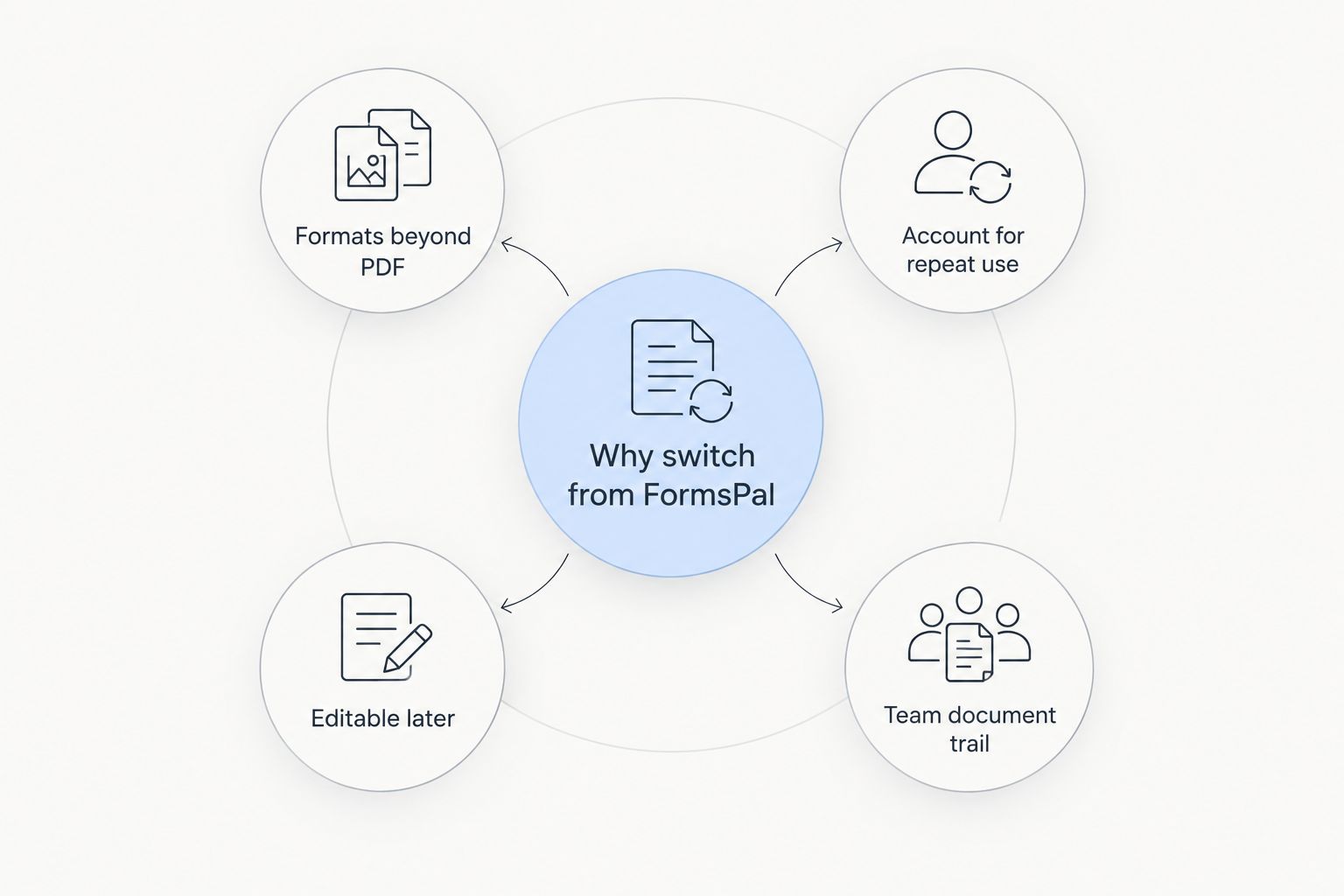
- They need formats beyond PDF. FormsPal is built around PDF; once you need native Word or Excel output, you're exporting into a second tool anyway.
- They need an account for repeat use. FormsPal has no persistent workspace — every session starts from zero.
- They need a document to be editable later, not just signed once. FormsPal's tools are built for single-pass tasks.
- They need a document trail for a small team, not just a solo user filling one form.
When staying with FormsPal is the right call
If you need one legal template filled out this year — a bill of sale, a basic power of attorney — and you don't want to pay for a subscription you'll use once, FormsPal is still the right pick. Don't switch tools just because this article has a longer list of alternatives. Switch when the task repeats.
FAQ
What's the best FormsPal alternative in 2026?
Zendocs is the best FormsPal alternative in 2026 for anyone converting, editing, and signing documents on a recurring basis across PDF, Word, Excel, and PowerPoint formats.
Is Zendocs better than FormsPal?
Zendocs is better for ongoing document work since it covers more file formats and keeps editing and signing in one account. FormsPal still wins for a single free form with no subscription needed.
Does FormsPal have an e-signature tool?
Yes, FormsPal includes a basic e-signature feature, but it's built for one-off agreements rather than certified, audit-trail signing like DocuSign offers.
Can FormsPal convert PDF to Word or Excel?
FormsPal's conversion tools are PDF-focused. For native Word, Excel, and PowerPoint conversion in one workspace, Zendocs covers the broader format range.
Is PDFfiller a good FormsPal alternative for businesses?
PDFfiller works well for businesses with high-volume recurring forms and team permissions, though it adds more complexity than a casual user typically needs.
What's the best tool for legal document templates instead of FormsPal?
Rocket Lawyer is the closest match since it pairs legal templates with attorney access, something FormsPal's free tools don't include.
Should I use FormsPal or Zendocs for a one-time bill of sale?
FormsPal is the right call for a single one-time form since it's free and requires no account. Zendocs makes more sense once that task repeats.
One last thing
The decision point isn't FormsPal versus any single competitor — it's one-off versus recurring. If the document task happens once, free tools like FormsPal win on cost every time. If it happens monthly, the math flips, and a subscription tool that handles more formats in one place starts paying for itself in time saved, not money spent.


